
Bulk add companies
Add many companies at once, typed into a grid or read from a CSV or Excel file.
Use Bulk add when you have a list of companies, for example from your old system. You type the rows in a grid, or upload a file and check the rows before you save.
Before you start
- Permission: Manage companies. Owners, managers and finance staff have it by default.
- For one company, use Add a company instead.
- A file can hold up to 200 companies.
Add companies in a grid
- Open Finance › City ledger › Companies.
- Select Add company, then Bulk add.
- Choose Simple or Detailed.
- Fill in a row for each company. Select Add row for more rows.
- Select Create with the number of companies, for example Create 3 companies.
Estatell takes you back to the list and says "3 companies added."
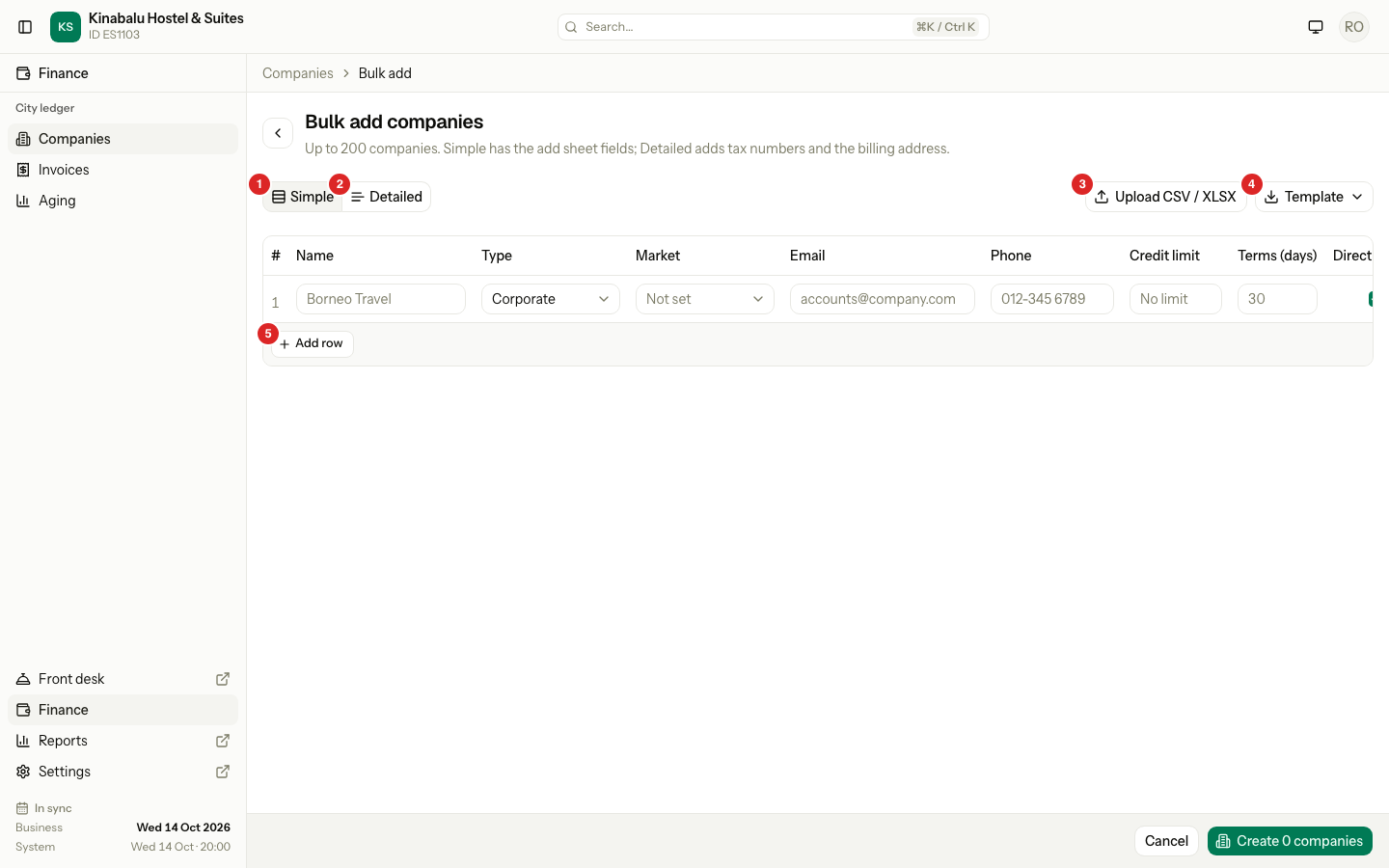
Simple shows the same fields as the Add company sheet. Detailed adds the tax numbers and the billing address.
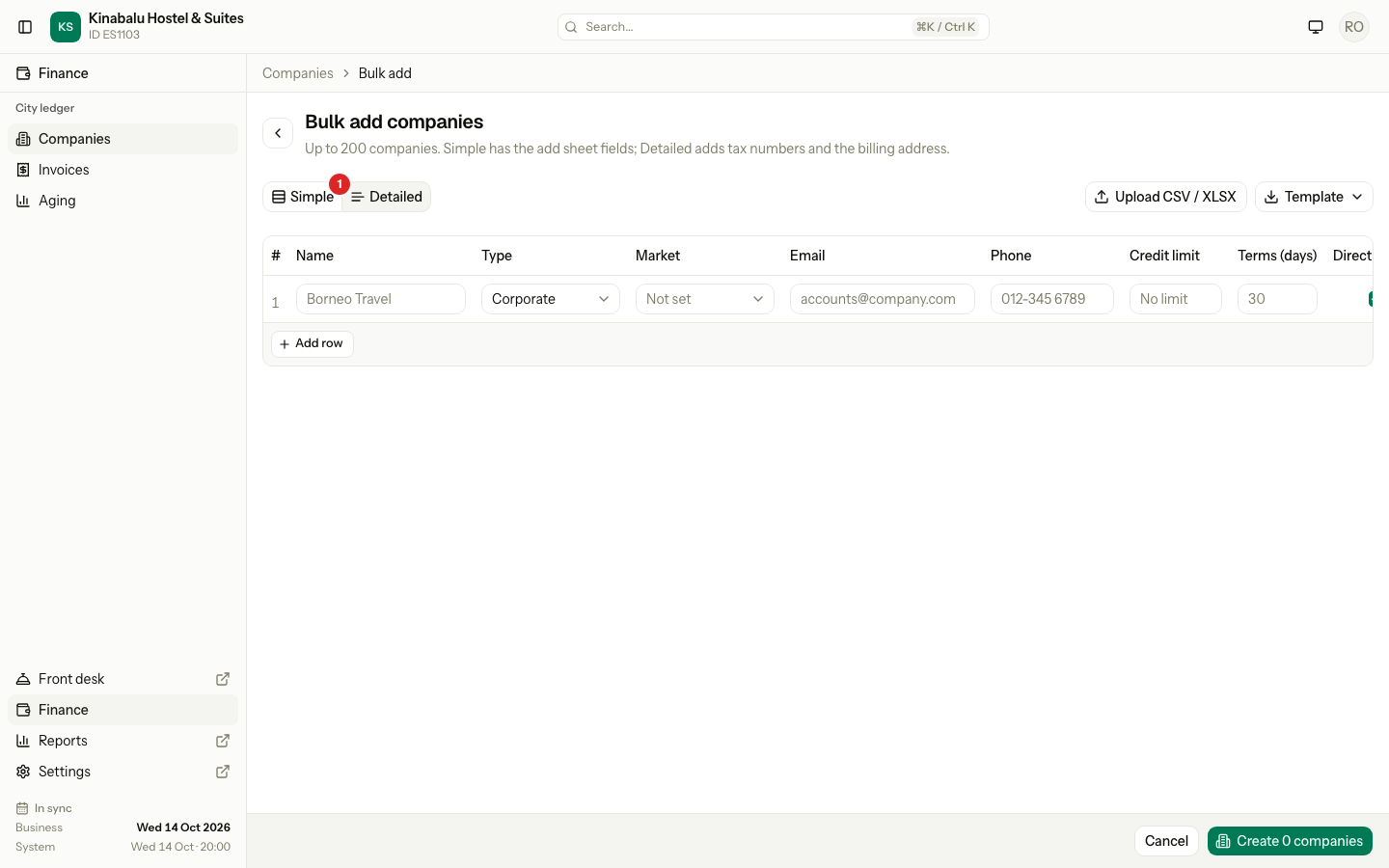
If you switch from Detailed to Simple, the Detailed values stay on their rows and Estatell saves them. A note says how many rows have hidden values. Your choice of Simple or Detailed is remembered in this browser.
Add companies from a file
-
On the Bulk add page, select Template, then CSV or Excel (XLSX).
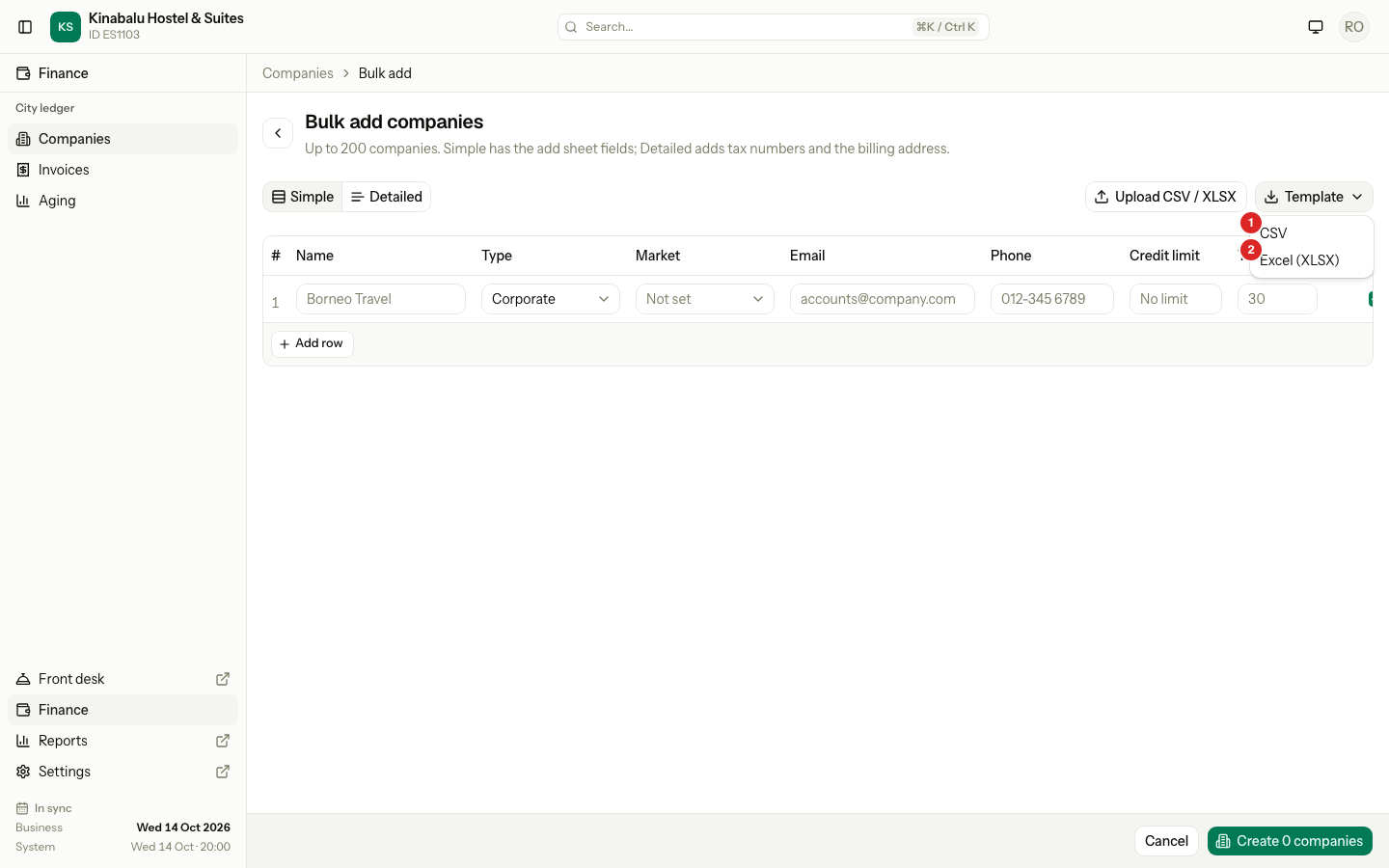
The template has the header row of the mode you chose.
-
Fill in the file. Put one company on each line.
-
Select Upload CSV / XLSX and choose the file.
-
Check the rows. The upload saves nothing. It only fills the grid.
-
Fix any row with a red message, then select Create with the number of companies.
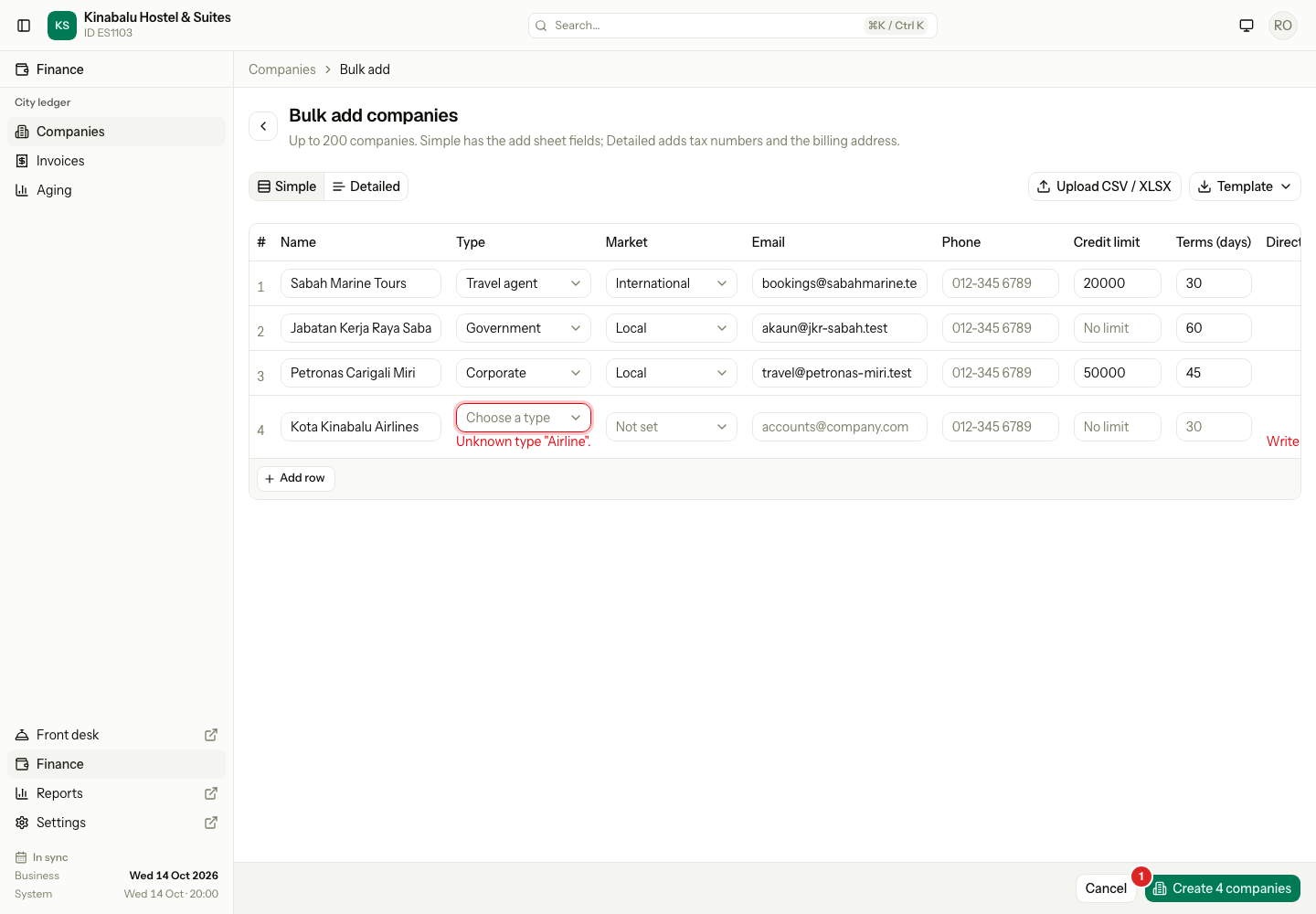
Estatell adds the file rows below the rows you already typed. A file with any Detailed column switches the page to Detailed.
File columns
The header names are not case sensitive. Only name is required. Estatell ignores any other column.
| Column | What to write |
|---|---|
name | The company name. Required. |
type | Corporate, Travel agent or Government. |
market | local or international. Empty means not set. |
email | The contact email. |
phone | The contact phone. |
credit_limit | The most the company may owe. Empty means no limit. |
terms_days | The days the company has to pay an invoice. |
direct_billing | yes or no. Empty means yes. |
portal_email | The email of the company's portal login. |
cancel_days | The days before arrival that the company can cancel for free in the portal. |
The Detailed template adds these columns after them.
| Column | What to write |
|---|---|
brn | The business registration number. |
tin | The tax ID. |
sst | The SST registration number. |
address_line1 and address_line2 | The billing address lines. |
city, postcode and state | The rest of the billing address. |
country | The country code or the country name, for example MY or Malaysia. |
How Estatell reads the values
| Column | What Estatell accepts |
|---|---|
type | The label or the short name. "Travel agent" and travel_agent both work. |
direct_billing | yes, y, true, 1 or on for yes. no, n, false, 0 or off for no. |
country | The code or the name. |
If Estatell cannot read a value, it leaves the cell empty and shows a red message on that row. The row cannot be saved until you fix it.
Save rules
- Every row follows the same rules as the Add company sheet.
- Names must be different from each other and from the companies you have. Capitals do not count.
- Estatell saves all the rows or none. If one row has an error, nothing is saved. The error shows on its row.
- A row with a portal email creates the company's portal login. Estatell gives a new login a temporary password. After saving, the page stays open so you can share the passwords. See Portal login.
Special cases
| Situation | What happens | What to do |
|---|---|---|
| The file has more than 200 rows | Estatell refuses the file: "The file has more than 200 rows." | Split it into two files. |
The file has no name column | Estatell refuses it: "The first row must have a name column. Download the template to see every column." | Use the template, or add the header. |
A type it does not know, such as "Airline" | The Type cell is empty, with the message Unknown type "Airline". | Choose a type in the cell. |
direct_billing says "maybe" | The row shows "Write yes or no." | Choose Direct billing or Pay at check-out in the cell. |
| A name is in the list twice | The row shows "This name is in the list twice." | Remove one row. |
| A name matches a company you have | The row shows "Another company already uses this name." | Remove the row, or use another name. |
| You leave the page with unsaved rows | Estatell asks if you want to save them. | Save, or discard the rows. |
| You only have View companies | Add company is not on the list. | Ask a manager or finance staff. |