
Sign up
Get an owner account for your property, by signing up yourself or through the Estatell team or a partner.
Each property has one owner account. The owner sets up the property and then adds the staff. You can get the owner account in four ways, and every way ends in the same place: the setup wizard.
Staff do not sign up. The owner adds them. See First sign-in.
Four ways to get an account
| Way | Who starts it | What you get | What you do |
|---|---|---|---|
| Sign up yourself | You | The Create an account page | Fill in the form, then verify your email. |
| Created by Estatell | The Estatell team | A setup email, or a password from the team | Set your password from the email, or sign in with the password you got. |
| Created by a partner | A partner that works with Estatell | The same as created by Estatell | The same as created by Estatell. |
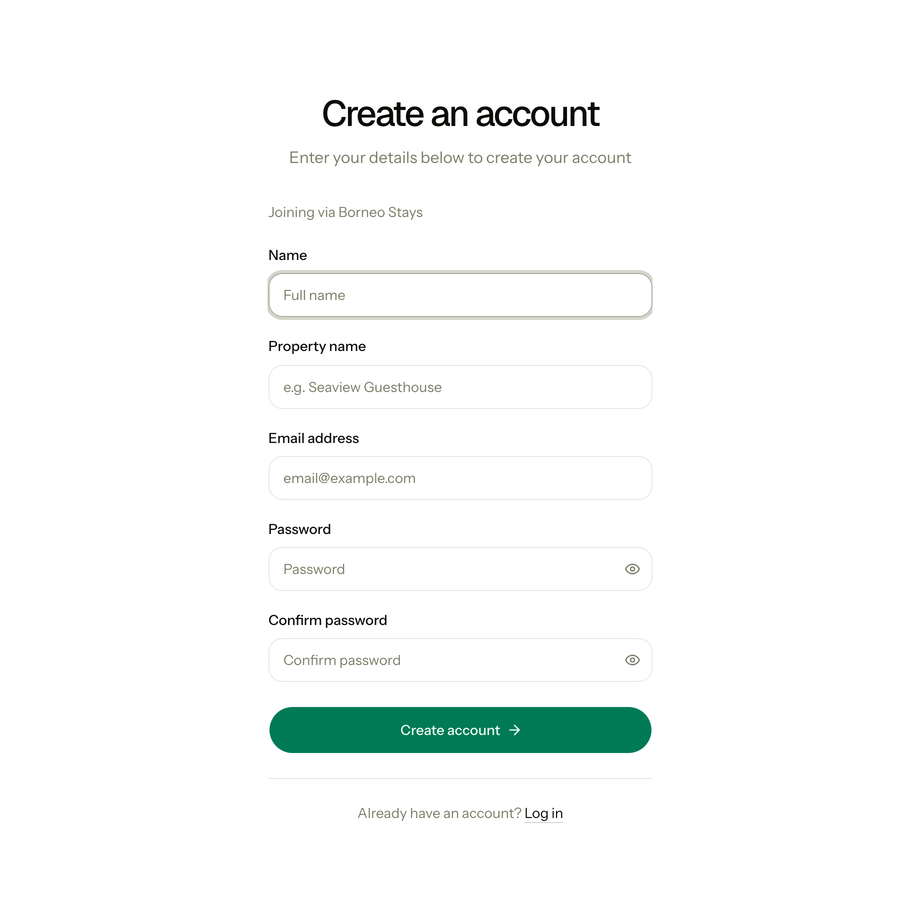
| Partner link | A partner sends you a link that ends in /join/... | The Create an account page, with "Joining via" and the partner's name | Fill in the form, then verify your email. |
A property that a partner brings in is linked to that partner. Its property code starts with the partner's two letters instead of ES.
Sign up yourself
- Open the Estatell sign-in page and select Sign up, or open the Create an account page.
- Enter your Name, Property name and Email address.
- Enter a Password and enter it again in Confirm password.
- Select Create account.
- Open the email from Estatell and select the link to verify your email.
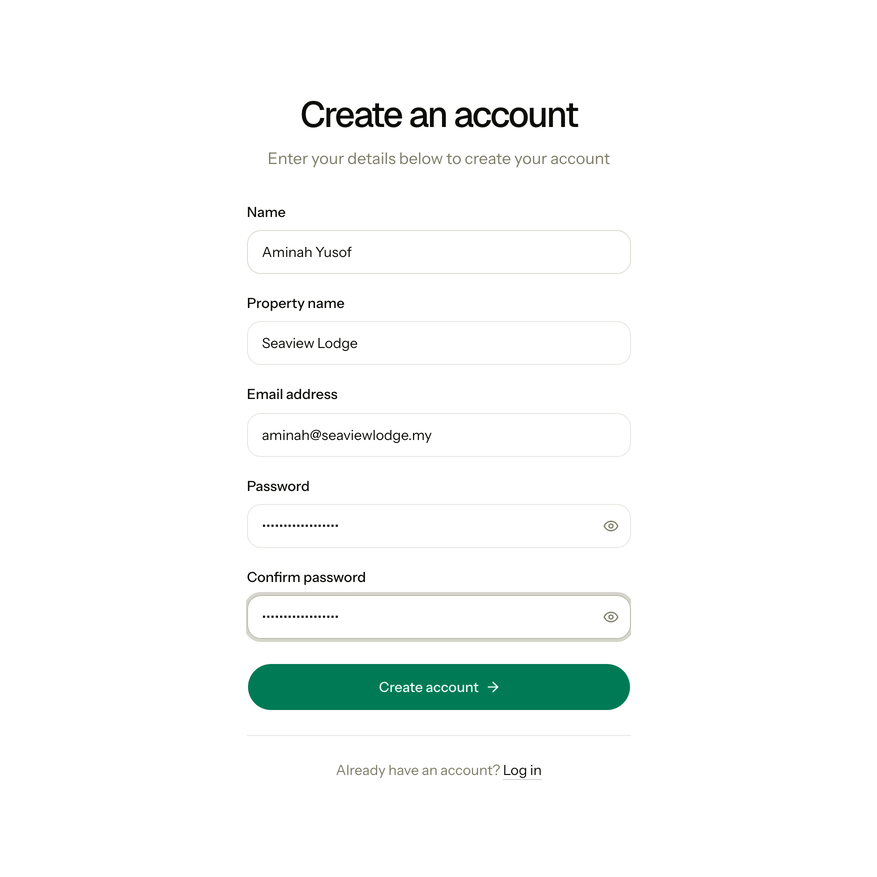
The password must have at least 8 characters, with upper and lower case letters, a number and a symbol. Estatell also refuses a password that is known from a data leak.
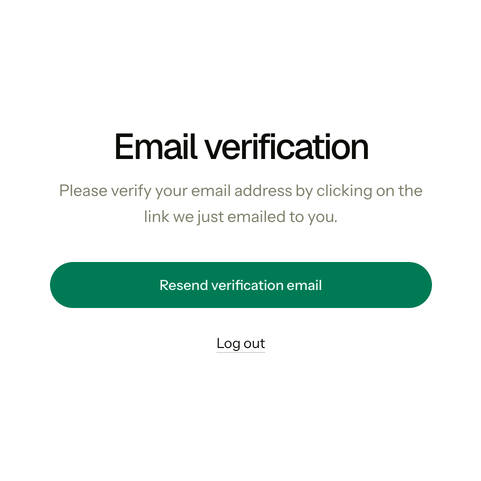
Until you verify your email, Estatell shows only the Email verification page. If the email did not arrive, select Resend verification email.
After you verify, Estatell opens the setup wizard at Basics. There you choose the property type and the country. See Onboarding.
Sign up with a partner link
- Open the link from your partner.
- Check that the page says "Joining via" and the partner's name.
- Fill in the form and verify your email, as in Sign up yourself.
Account created for you
The Estatell team or a partner creates the property and the owner account for you. They choose one of two ways to give you access.
A setup email
You get an email with the subject "Set up your Estatell owner account".
- Open the email and select Set up your account.
- Check the property name, your name and your email.
- Enter a Password and enter it again in Confirm password.
- Select Set password and continue.
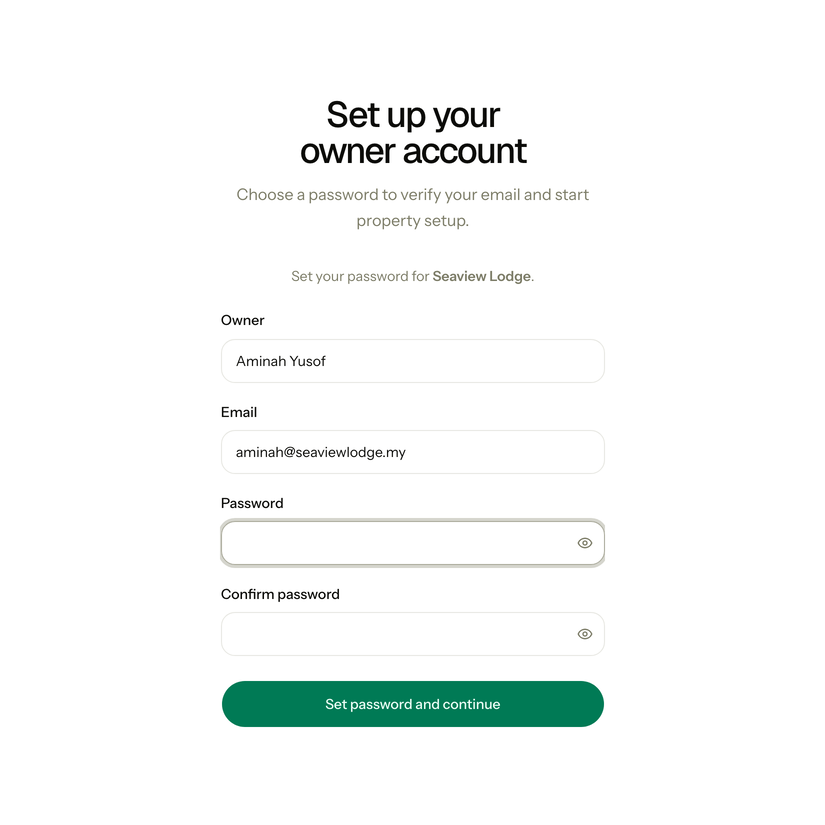
This also verifies your email. Estatell signs you in and opens Basics. The link works for 7 days, and only once.
A password from the team
The Estatell team or the partner gives you a password. They never send it by email.
- Sign in with your email and that password.
- If Estatell asks you to verify your email, open the email from Estatell and select the link.
Estatell then opens Basics. The country, currency and time zone are already filled in. Check them before you continue.
Special cases
| Situation | What happens | What to do |
|---|---|---|
| The setup link is older than 7 days | • The page says Access denied. | • Ask the Estatell team for a new setup link. A new link also lasts 7 days. |
| You open a setup link a second time | • "This account has already been set up. Log in to continue." | • Select Go to log in and sign in with the password you set. |
| You got two setup emails | • Both links work until you use one of them. | • Use the newest email. After you set your password, the other link stops working. |
| The verification email did not arrive | • Estatell shows only the Email verification page. | • Check the spam folder, then select Resend verification email. |
| You used the wrong email address | • The verification email goes to that address. | • Select Log out and sign up again with the correct address. |
| The partner link is old | • The Create an account page says "This link is no longer active". | • Ask the partner for a new link. If you sign up anyway, your property is not linked to the partner. |